
Table of Content
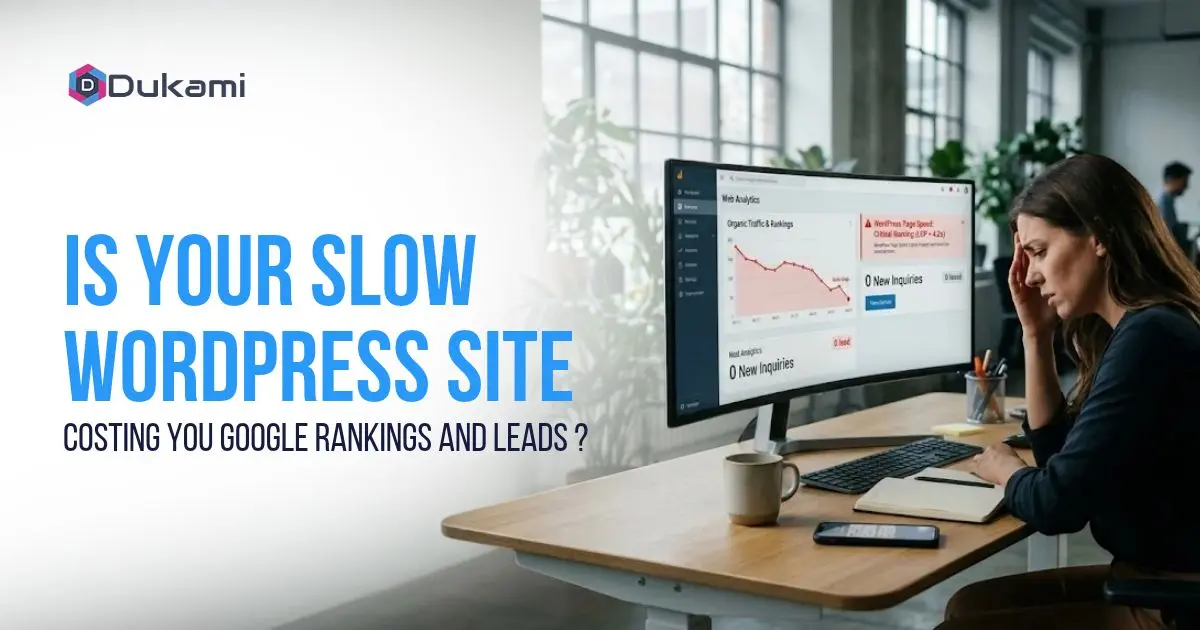
A dental practice in San Jose pays for Google Ads. The clicks arrive. The contact form stays empty.
The owner blames the ads. The ads are fine. The landing page takes over six seconds to load on mobile. Most visitors leave before the headline appears.
Speed is not a technical vanity metric. Google measures it through Core Web Vitals, and visitors vote with the back button. A slow WordPress site loses on both fronts.
The Short Answer: Yes, on Both Counts
A slow site costs you rankings and leads. The two losses are connected. Google measures speed as a ranking signal, and visitors punish it with their attention.
Speed is a confirmed Google ranking signal. Google's own page experience documentation lists Core Web Vitals as part of how it evaluates pages. The effect is strongest as a tiebreaker between pages of similar quality. But the indirect effect is larger. Fast pages earn more engagement, and engagement compounds.
Speed also decides whether visitors stay or leave. Google says that visitors abandon slow pages. A page that takes three seconds loses a meaningful share of its audience before content appears. On mobile, the loss is worse.
Every fix that improves speed does two jobs. It helps you rank, and it helps you convert.
The Three Numbers Google Actually Measures
Google does not use a single speed score. It uses three metrics, collected from real Chrome users on real devices. Together they are called Core Web Vitals.
Largest Contentful Paint (LCP) measures how fast the main content appears on screen. Good is 2.5 seconds or less; poor is over four seconds.
Interaction to Next Paint (INP) measures how fast the page responds when someone taps or clicks. Good is 200 milliseconds or less. Poor is over 500 milliseconds.
Cumulative Layout Shift (CLS) measures how much the page jumps around while loading. Good is 0.1 or less. Poor is over 0.25.
You can check all three in Google's official PageSpeed Insights tool and in Search Console. A page passes only when all three are in the good range at the 75th percentile of real visits.
Most mobile sites fail at least one of the three. That is why passing is an advantage, not a baseline.
Why WordPress Sites Get Slow (The Usual Suspects)
WordPress itself is rarely the problem. The platform powers a large share of the web and can load fast. The slowdowns come from how the site is built and maintained.
Unoptimized images are the most common cause. A 4,000-pixel phone photo uploaded at 4 MB destroys LCP. Resizing inside WordPress does not shrink the actual file. Modern formats cut the file size by half at the same visual quality.
Too many plugins, especially outdated ones. The issue is not the count. It is what each plugin loads on every page. One plugin injecting scripts sitewide can do more damage than a dozen lean ones.
Bloated themes and page builders. Multipurpose themes load assets for features the site never uses. Drag-and-drop builders add their own weight on top.
Render-blocking CSS and JavaScript. Scripts in the page head stop the page from displaying until they finish loading. Every visitor waits for code they may not need.
Slow hosting. Cheap shared hosting puts your site on a server with hundreds of others. Every request waits in line. No plugin fixes a slow server.
How to Diagnose Your Site in 15 Minutes
You do not need to guess. Google gives you the data for free, and it takes about fifteen minutes to read.
Open the Core Web Vitals report in Google Search Console. This shows real-user performance across your whole site, grouped by URL. Start with the URLs marked Poor. They affect the most visitors.
Open PageSpeed Insights and read the field data section. That is the top section labeled "Discover what your real users are experiencing." It reflects actual visitors, not a lab simulation. The lab section below helps you diagnose the cause.
Decide which pages to fix first. Prioritize pages that get traffic and pages tied to revenue: your homepage, key service pages, and any landing pages attached to paid campaigns. A slow blog post matters less than a slow booking page.
Write down your three scores. Fix one page. Re-measure in four weeks. That is the whole process.
The Fixes, Ranked by Impact
Not every fix is worth the same effort. Work in this order. The first group recovers the most speed for the least money.
Fix these first: images, caching, and plugin cleanup. Compress and resize every image to the size it actually displays. Convert to a modern format. Add page caching so repeat visits skip the database. Remove plugins you do not use, and check which ones load sitewide assets.
Fix these next: theme and hosting. If the site runs a heavy multipurpose theme, simplify it. If it sits on cheap shared hosting, move to managed hosting or a properly configured server. Hosting is the foundation everything else stands on.
Fix these later: JavaScript and advanced caching. Defer non-critical scripts. Inline critical CSS. Delay third-party scripts until interaction. These take more technical skill, but they improve LCP and INP without a redesign.
One rule: never lazy-load the hero image. That single mistake is a common self-inflicted LCP problem.
Why This Matters More for Bay Area Businesses
Competition here is dense and customers are impatient. A slow site loses to a faster competitor on the same street.
Mobile-first users and high expectations. Customers in San Francisco and San Jose browse on phones, often while they are already on the move. A six-second mobile load is not a minor inconvenience. It is a lost booking.
The cost of a slow site in lost calls and bookings. Every abandoned visit is a call that never happens. If your site costs you ten leads a month and your average customer is worth $500, that is $5,000 in lost revenue every month. Good WordPress support Bay Area starts with fixing that leak before buying more traffic.
Speed is the cheapest conversion improvement available. You already paid for the visitors. A fast page simply stops wasting them.
Your First 30 Days
| Week | Focus | What to Do |
|---|---|---|
| Week 1 | Run the two diagnostics | Open the Core Web Vitals report in Google Search Console. Run PageSpeed Insights on your top three revenue pages. Write down the scores. |
| Week 2 | Fix images and plugins | Compress and resize every image on those pages. Convert to a modern format. Remove unused plugins and stop sitewide asset loading. |
| Week 3 | Add caching and test speed | Turn on page caching. Re-run PageSpeed Insights. Compare the scores to week one. |
| Week 4 | Review Search Console and repeat | Check whether field data has started to move. Pick the next page and repeat the same process. |
Conclusion
A slow WordPress site is not a technical inconvenience. It is a revenue leak. Google measures it. Visitors punish it. The fixes are known and finite.
Start with images and plugins. Then fix hosting and scripts. Measure field data monthly, and track calls and bookings alongside speed.
If you want a partner who treats speed as a revenue problem, a provider of WordPress support & maintenance services in the Bay Area like Dukami can help. We run a WordPress Speed and Core Web Vitals Audit that checks your field data, finds the heaviest pages, and shows you the fixes that pay back fastest.
