
Table of Content
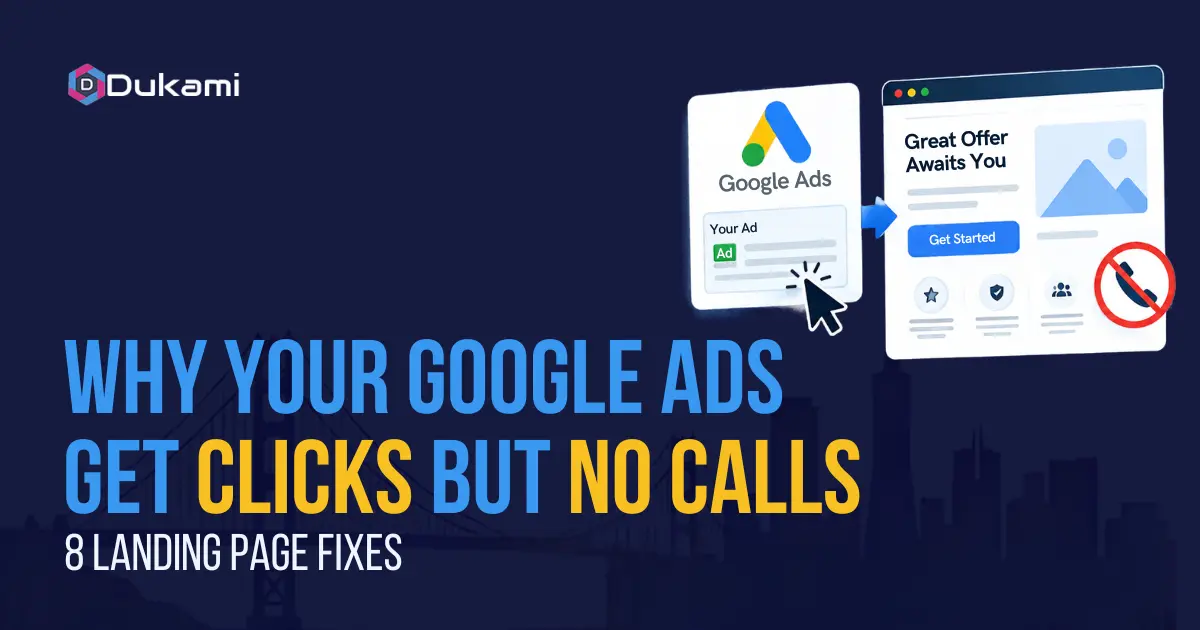
A plumber in Fremont runs a small crew and spends $800 a month on Google Ads. The dashboard shows 62 clicks. The phone rings once.
That budget is realistic for a service business trying to compete in the Bay Area. The click volume is realistic too. What is not realistic is expecting calls when the landing page hides the phone number and takes six seconds to load.
This is a conversion problem, not a traffic problem. And conversion problems are fixable in the order that pays back fastest.
The Clicks-No-Calls Problem Is Almost Never the Ads
When a campaign produces clicks but no calls, the instinct is to blame the platform, the keywords, or the competition. The data rarely supports that. The leak is almost always downstream, on the page the click lands on.
Where the money actually leaks. Every dollar you spend on ads ends at a landing page. If that page is slow, confusing, or built for the wrong person, the money stops there. You paid for the visit. You lost the call. The ad did its job. The page did not.
Why more ad spend makes it worse. Increasing the budget on a page that does not convert just buys more expensive failure. The cost per click stays the same. The conversion rate stays the same. You simply lose more money at the same rate. Fix the page first, then scale the spend.
Fix 1 — Put the Phone Number Above the Fold
A visitor who clicks a service ad is ready to act. They will not scroll, hunt, or work for it. If the phone number is not immediately visible, they leave.
The sticky call header that lifts mobile conversions. A call button that stays visible as the visitor scrolls keeps the action within reach at every moment. On mobile, this is the single highest-impact change you can make.
Why does the header beat the footer? A number at the bottom of the page assumes the visitor reads everything first. Most do not. They decide in seconds. Put the action where the decision happens.
Fix 2 — Make the Call Button Impossible to Miss
The difference between a visible button and a prominent button is the difference between a click and a scroll.
The difference between "Contact Us" and "Call Now." "Contact Us" is passive. It asks the visitor to figure out the next step. "Call Now" is specific. It names the action and creates urgency. Use the second one.
Thumb-zone placement for mobile users. Most people hold a phone one-handed. The thumb reaches the middle and bottom of the screen easily. Place the call button in that zone, not in a top corner the thumb has to stretch to reach.
Fix 3 — Match the Landing Page to the Ad
Message mismatch kills trust in seconds. If the ad says one thing and the page says another, the visitor assumes the offer is not real and leaves.
Message mismatch kills trust in seconds. An ad for "Same-Day AC Repair" must land on a page that says "Same-Day AC Repair." Not "Welcome to Our HVAC Company." The page must repeat the promise, immediately, in the headline.
The one-offer-per-page rule. A page that offers three services, a newsletter signup, and a free estimate gives the visitor four choices. Four choices is the same as no choice. Give the page one job. Everything else supports that job, not competes with it.
Fix 4 — Cut the Form to the Fewest Possible Fields
Every field you add is a reason to leave. The form is not a data-collection tool. It is a commitment device. Keep it short.
Each extra field costs completion rate. We found that single-field forms convert at 13.4%, while nine-field forms drop to 3.6%. The drop is not linear. It is a cliff. Each field above what is necessary costs you submissions.
Which fields to remove first. Remove anything you do not need to call the person back. Name and phone number are enough. Company size, budget, and timeline can wait until the conversation. If you need more detail, use a multi-step form that asks one simple question first.
Fix 5 — Load in Under Three Seconds on Mobile
Speed is not a technical metric. It is a revenue metric. A slow page loses the visitor before the offer is even visible.
Every extra second costs conversions. Shopify's 2026 analysis of its entire merchant base found that every 100 milliseconds of additional load time correlates with roughly a 3.5% drop in conversion. Stores with a 2.5-second LCP convert about 30% worse than stores at 1.5 seconds. On mobile, the loss is steeper.
The three speed fixes that take an afternoon. Compress and resize every image to the size it actually displays. Turn on page caching. Remove any plugin or script that loads on the landing page but is not needed there. These three changes usually recover the most speed for the least effort.
Fix 6 — Add Trust Signals Next to the Call Button
The visitor decides whether to call in the seconds before they tap. Put proof at the point of decision, not at the bottom of the page.
Reviews, licenses, and years in business. A short review, a star rating, or a license number placed next to the call button answers the visitor's unspoken question: "Can I trust these people?" The answer must be visible where the question is asked.
Why trust matters more when the call is the conversion. A form submission is low-risk. A phone call is high-commitment. The visitor is about to speak to a person. Proof next to the button reduces the fear that makes them hesitate.
Fix 7 — Give Mobile Users a Backup Path
Not every visitor wants to call. Some prefer to type. Some are in a meeting and cannot speak. Give them a second way to reach you, or they will leave.
The call-only ad format is being retired. Google is deprecating call-only ads. New call-only ads can no longer be created as of February 2026, and existing ones will stop serving in February 2027. Call assets inside responsive search ads are the replacement.
What to use instead: Short form or text option. A two-field short form or a text-message button gives the visitor a low-friction alternative. Click-to-call buttons on mobile convert at 8–12%, roughly 3x the rate of form submissions on the same pages. But the form still matters for the visitor who will not call.
Fix 8 — Track Calls, Not Clicks
You cannot fix what you cannot see. If you do not know which calls came from ads, you are optimizing blind.
Why platform-reported conversions mislead. Google reports clicks and form fills. It does not know how many calls your front desk answered or how many jobs were booked. The number that matters is cost per booked job, not cost per click.
The call tracking setup takes an hour. Assign a unique tracking number to your ads. When someone calls that number, you know the ad produced the call. Connect the tracking number to your CRM so every booked job is attributed to its source. Without this, every fix after it is guesswork.
Before adjusting your campaigns, it's also important to understand how much you should allocate to each channel. Our guide on Google Ads budget planning for Bay Area businesses explains how to plan ad spend effectively and make better budget decisions.
Your 30-Day Fix Plan
You do not need to rebuild the page overnight. Work through these fixes in the order that pays back fastest, one week at a time.
| Week | Focus | What to Do |
|---|---|---|
| Week 1 | Phone number and call button | Add a sticky call header. Change "Contact Us" to "Call Now." Place the button in the thumb zone. |
| Week 2 | Form and speed | Cut the form to name and phone. Compress images. Turn on caching. Re-test mobile load time. |
| Week 3 | Trust signals and backup path | Add a review or license next to the call button. Add a short form or text option as a backup. |
| Week 4 | Call tracking and review | Set up a tracking number. Connect it to your CRM. Compare cost per booked job before and after. |
Conclusion
Clicks without calls are not a mystery. It is a leak with a small number of causes. A generic page, a hidden phone number, a slow mobile load, a form that asks too much, and no proof next to the button.
Fix the page before you spend another dollar on ads. Then measure cost per booked job, not clicks.
If you want to find the leak without guessing, a Bay Area PPC marketing agency like Dukami builds paid landing pages for service businesses. We review your campaign, your page, and your tracking, then show you exactly where the calls are dying. For teams that need PPC services Bay Area wide, we run the full stack.
