
Table of Content
A WordPress website needs the right tools to grow and perform well. WordPress plugins help improve features, design, and SEO. Many WordPress users rely on these tools to build sites without coding.
Plugins help add new features and improve functionality. With the right plugin, you can optimize your site and attract more website visitors.
Why WordPress Plugins Matter for Small Business Websites
WordPress plugins are tools that extend the features of WordPress. A plugin for WordPress can add forms, gallery, or social sharing options. There are thousands of plugins available for different needs.
How Plugins Improve Website Functionality
Plugins improve functionality and help customize your site. They allow easy integration with tools and services. Many popular plugins help manage contact forms, subscriptions, and login systems.
Key Features to Look for in a WordPress Plugin
Before choosing a plugin, examine it. Look for the following factors:
Ease of Use and Simple Setup
Choose a plugin with a simple setup and easy controls. It should work well in the WordPress dashboard. A good plugin is easy for WordPress beginners to use.
Compatibility with WordPress Themes
Make sure the plugin works with your WordPress themes. It should support your template and layout design. This ensures a responsive and smooth experience.
Performance and Optimization
A good plugin should help optimize your site speed. Use tools with CDN and optimizer features. These improve ranking and user experience.
Top 10 WordPress Plugins for Small Business Websites
Here is a list of the best plugins:
1. Elementor
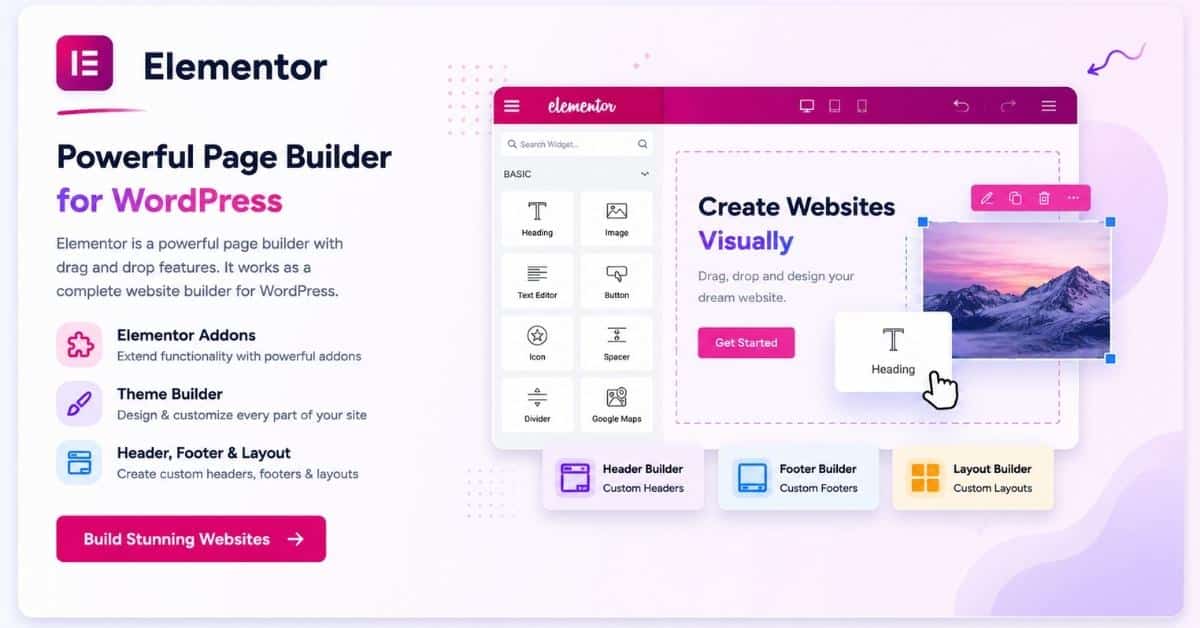
Elementor is a powerful page builder with drag and drop features. It works as a website builder for WordPress.
It includes Elementor addons and a theme builder. You can customize header, footer, and layout.
2. WooCommerce
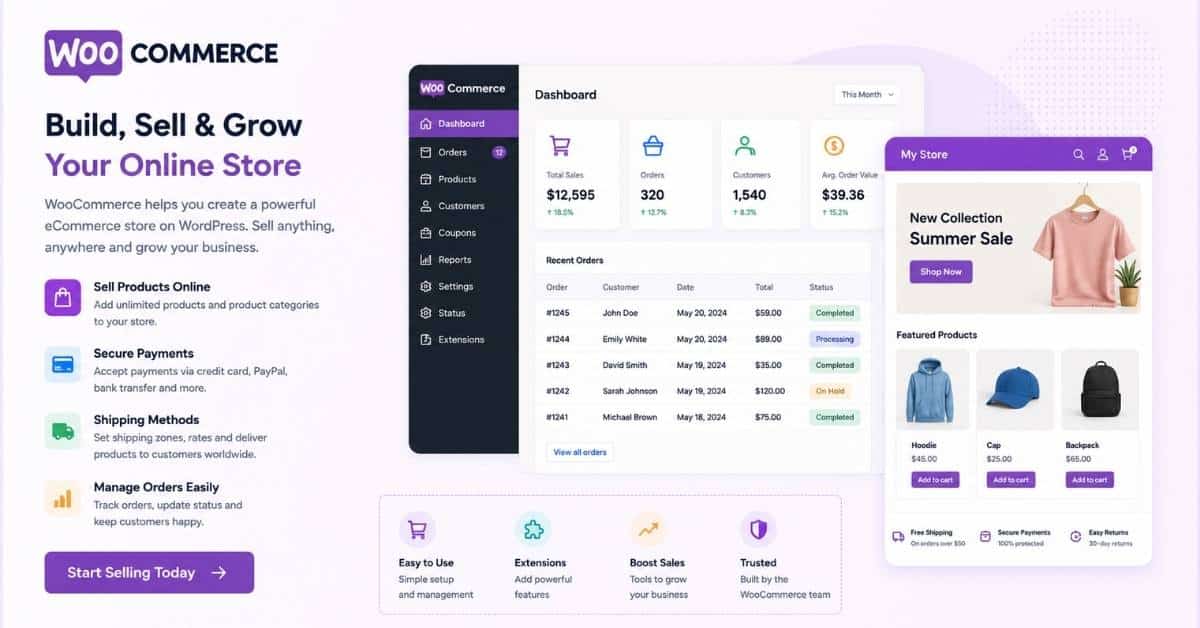
WooCommerce helps create an online store on your WordPress website. It supports payments, products, and shipping.
This plugin helps increase sales and manage orders. It is ideal for small businesses selling products online.
3. AIOSEO
AIOSEO is an all-in-one tool to improve seo. It supports schema, redirect, and ranking features.
Many consider it the best WordPress SEO plugin for better visibility. It helps optimize content for search engines.

4. WPForms
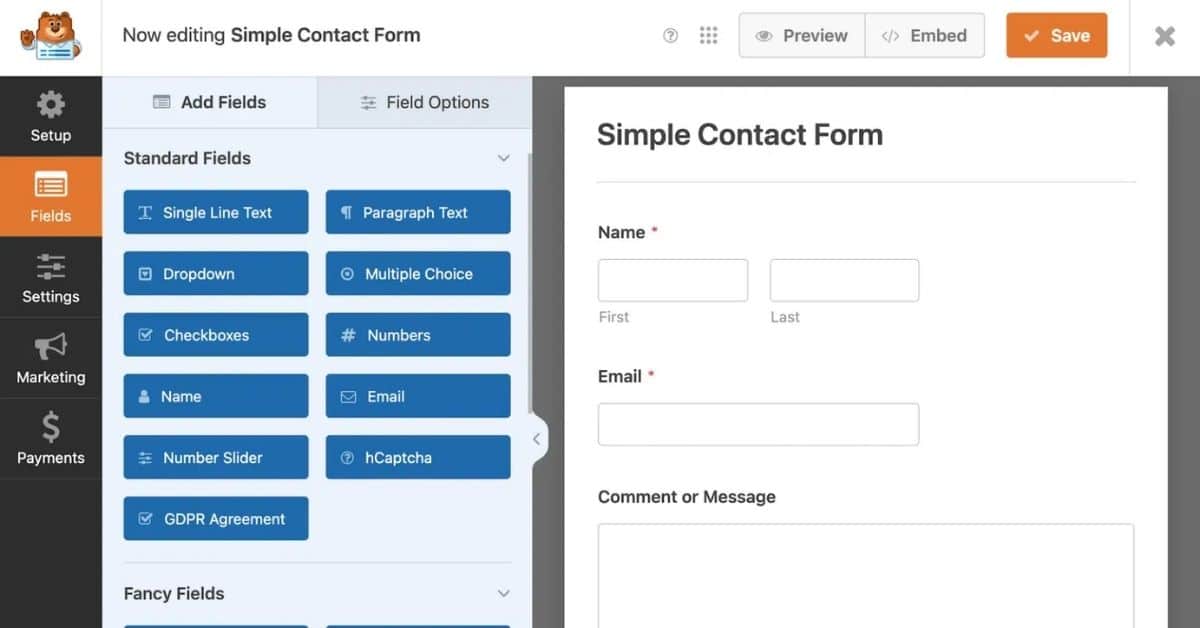
WPForms is the best WordPress contact form plugin for creating contact forms.
It works as a form builder with conditional logic. You can collect user data and manage subscriptions easily.
5. UpdraftPlus
This plugin helps with backup and restore. You can save files and recover data if needed.
It protects your site from errors, crashes, or malware attacks.
6. MonsterInsights
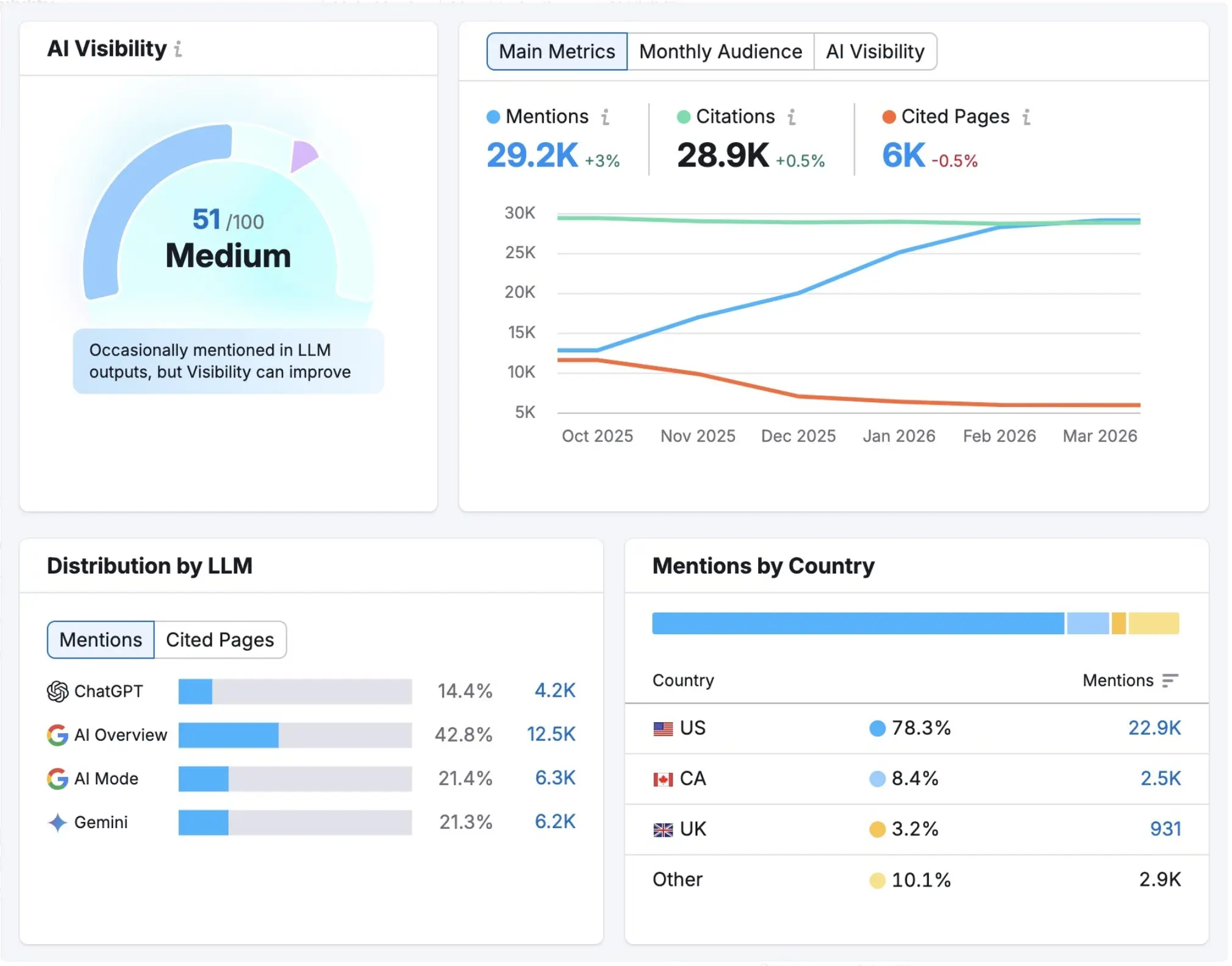
This plugin shows stats about your website visitors. It connects Google Analytics with your WordPress dashboard.
You can track traffic and improve SEO performance using data insights.
7. Smush
Smush is an image optimizer that helps optimize images. It improves speed and reduces load time.
Faster sites improve ranking and user experience.
8. MemberPress
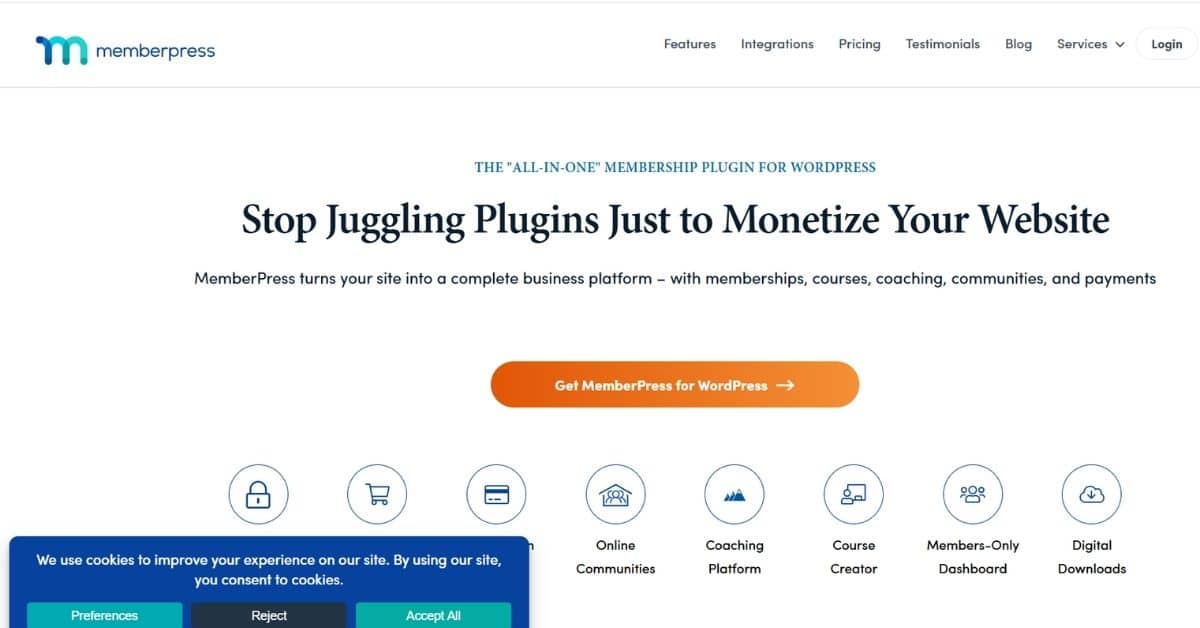
MemberPress helps create membership sites with secure access. It supports membership plans and content control.
This plugin is useful for selling courses or premium content.
9. WP Mail SMTP
WordPress SMTP helps fix email issues. It ensures messages reach users in real-time.
This plugin improves email delivery and reduces failed messages.
10. Social Snap
This plugin adds social media sharing buttons. It improves engagement and traffic.
It supports real-time sharing and boosts visibility.
How to Install and Use WordPress Plugins
You can install plugins by:
Using One Click
You can install plugins with one click from the dashboard. Search, select, and activate quickly.
You can also upload a plugin file or install it manually if needed.
Configure Plugins from WordPress Dashboard
Use the WordPress dashboard to manage settings. You can customize options and enable addons.
Some plugins include built-in tools and new features.
Best Practices for Managing WordPress Plugins
To leverage the full benefits of plugins, you need to follow the following best practices:
Avoid Plugin Overload
Too many plugins can slow your WP site. Use only essential WordPress plugins for the best performance.
Keep Plugins Updated
Update every plugin regularly to avoid issues. Updates fix bugs and improve functionality.
Ensure Security and Malware Protection
Use security plugins to prevent spam comments and attacks. Protect your site with proper settings.
Common Mistakes to Avoid When Using Plugins
Avoid using outdated plugins or unsafe sources.
Do not ignore updates or security warnings.
Always test changes before applying them to your live WordPress site.
Advanced Features and Tools in WordPress
WordPress offers many advanced tools to improve your site. You can use a widget to add features to your sidebar.
A developer can also use code snippets and PHP to extend site functionality.
You can customize your domain settings and improve performance using a simple script.
Modern tools also support smooth animation and better design options.
The block editor makes content creation easier and more visual.
You can also import content and manage your archive pages efficiently.
Enhancing User Experience and Accessibility
Improving user experience is important for every WordPress website. A good app integration helps connect your site with other tools.
Your site must be mobile-friendly to attract more visitors.
Features like effortless navigation and fast loading improve engagement.
Many experts believe SEO is the best WordPress strategy to grow traffic.
Mobile App
Integrating a mobile app with your WordPress website improves accessibility. Users can access content, shop, or book services on the go. A mobile app keeps visitors engaged and encourages repeat interactions. Many plugins allow seamless synchronization between your WordPress site and a mobile app, making your business more accessible to customers anytime.
Conclusion
The right WordPress plugins can supercharge your WordPress website. They improve SEO, design, and performance.
Don't wait to bring your digital dreams to life. Contact us now to schedule a consultation and let's take the first step towards your project's success.
